Read the robot app and connection requirements
Match the exact robot, phone app and documented network requirements before treating connected features as part of your purchase.
Updated:
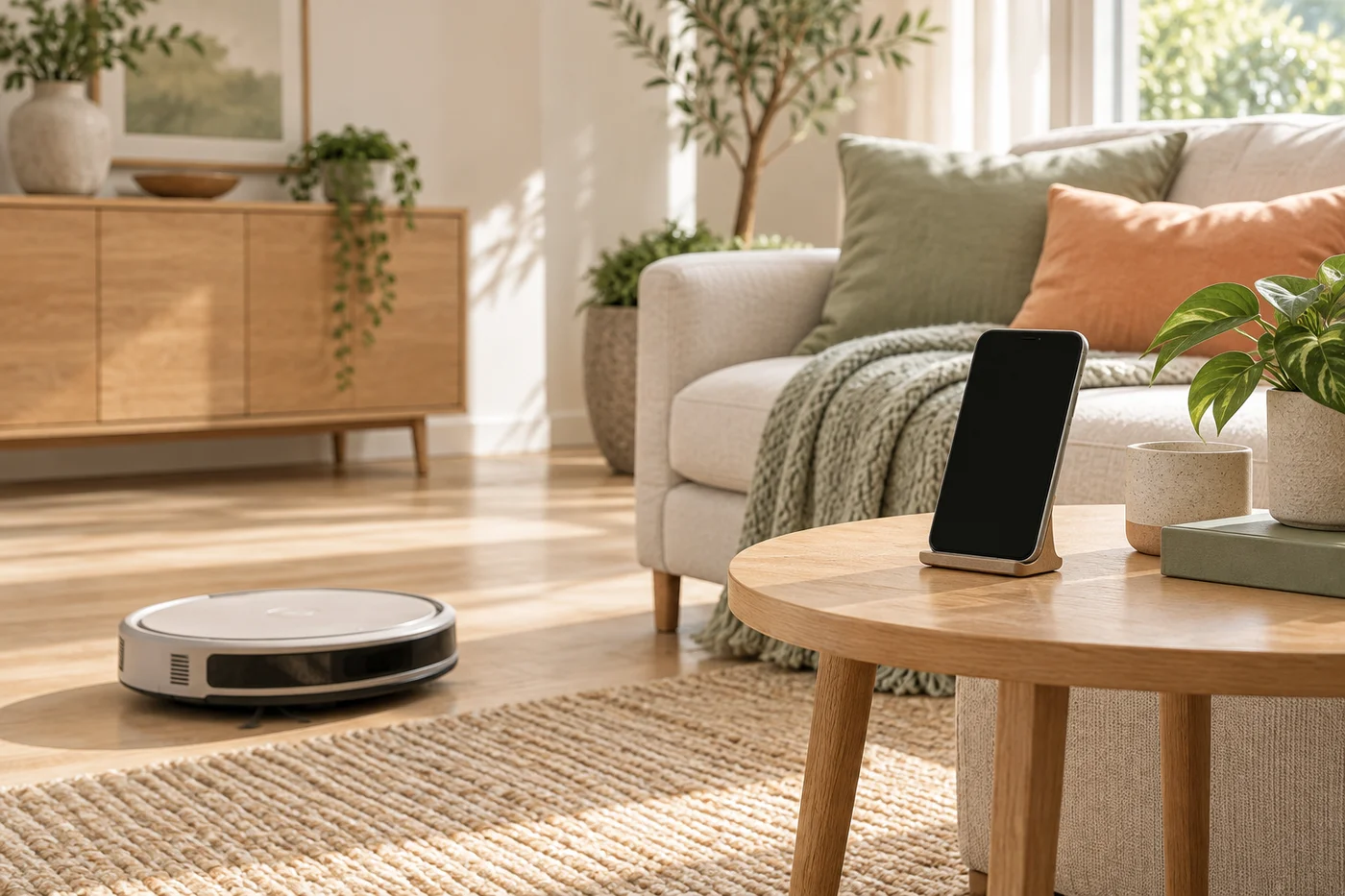
Start with the exact robot designation
A familiar brand name is not enough to identify app or network compatibility. Record the exact regional model and generation from the listing, then find the manufacturer's setup information for that device. Keep the required app name alongside it. Similar-looking robots can belong to different software families, so do not assume that an app already installed for another appliance will operate the new one.
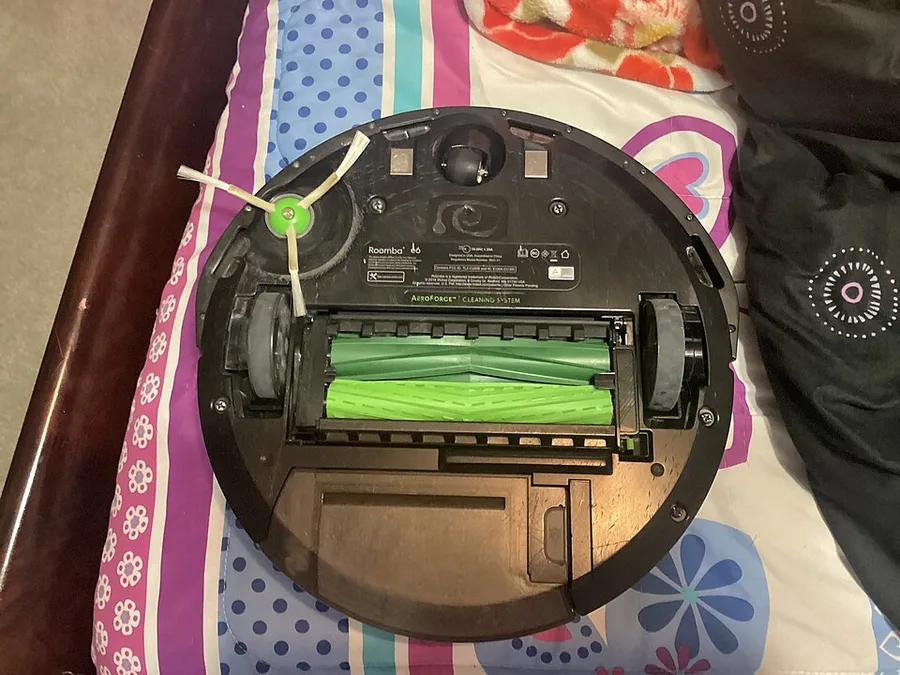
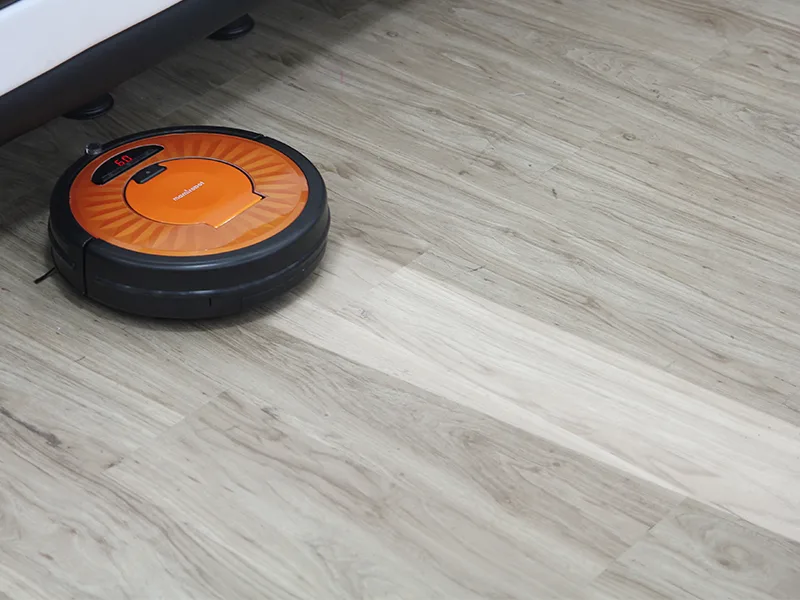
Make a small evidence record with the model, app, phone platform and date checked. If a listing links to general support rather than the candidate model, treat the requirements as unresolved. The archival robot photograph shows physical form only; it does not establish software support, account requirements or the availability of a particular connected feature.
Keep wireless bands model-specific
iRobot's Wi-Fi setup guidance distinguishes supported bands by model rather than giving one rule for every robot. Its current instructions include models with different 2.4 GHz and 5 GHz support. The purchasing lesson is to preserve the exact entry for your candidate. A household router advertising multiple bands does not by itself establish that the complete setup process will work with a particular device.
Do not weaken network security or make broad router changes just to follow an unrelated online tip. This guide is a requirements checklist, not a troubleshooting procedure. If your network is managed by a landlord, employer or service provider, identify the documented restrictions before assuming you can make the changes that a setup process requests.
iRobot Wi-Fi setup requirements ?
Separate app-dependent benefits from ordinary controls
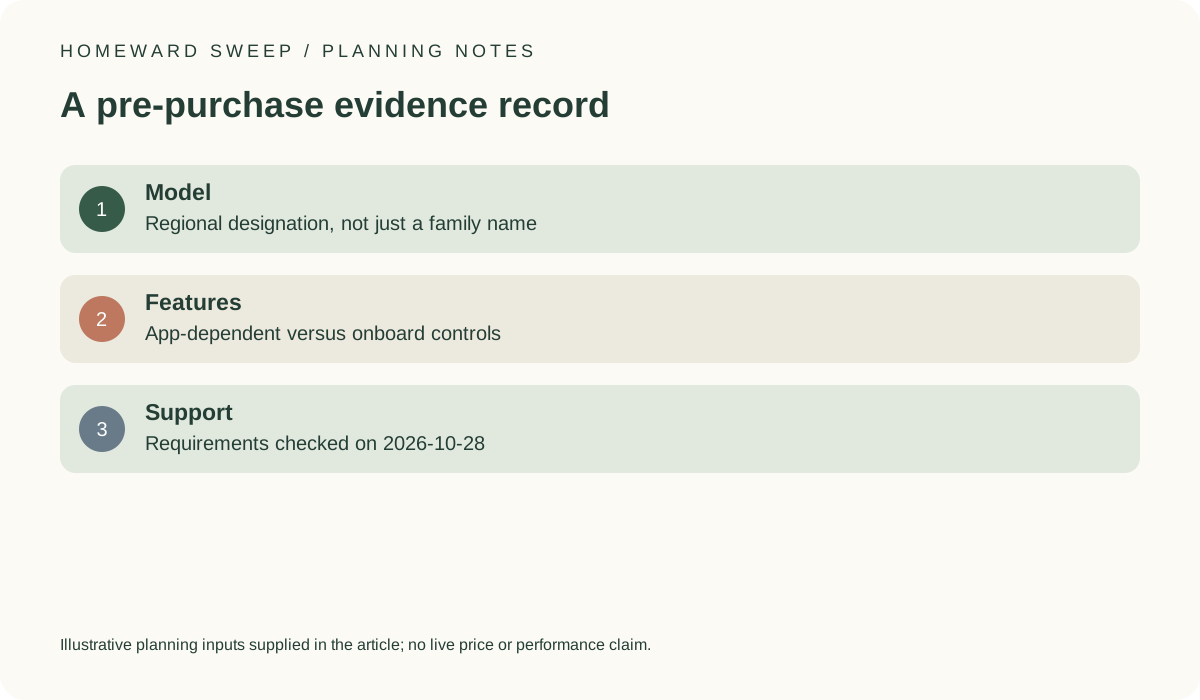
List the features that made the robot appealing, then mark which ones require the app, an account or a working connection according to the manufacturer. Scheduling, maps or remote operation should not silently be treated as onboard capabilities. Also record what the manual says about basic controls when the app is unavailable. If that fallback would not meet your intended routine, software requirements become a central purchase condition.
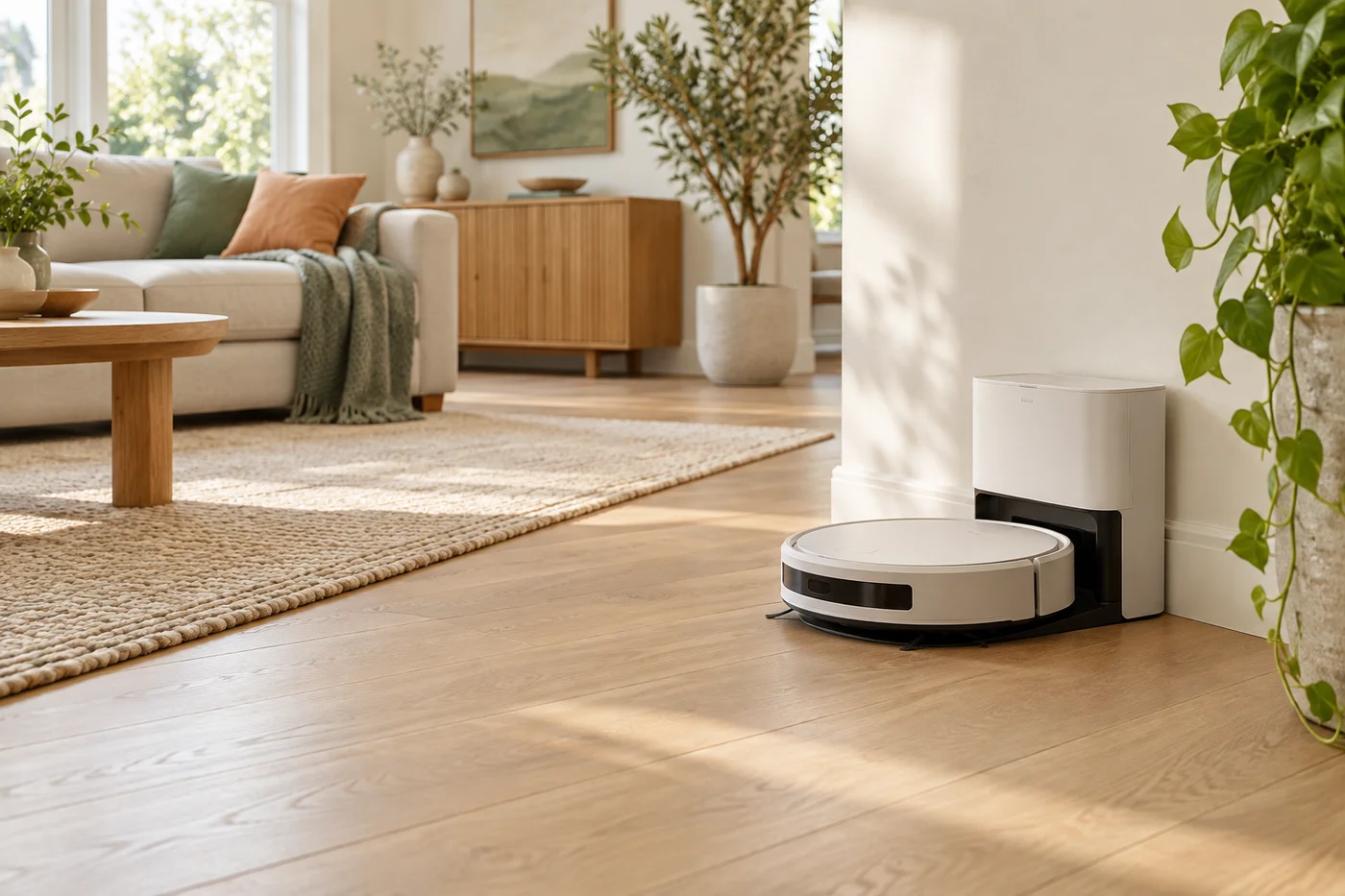
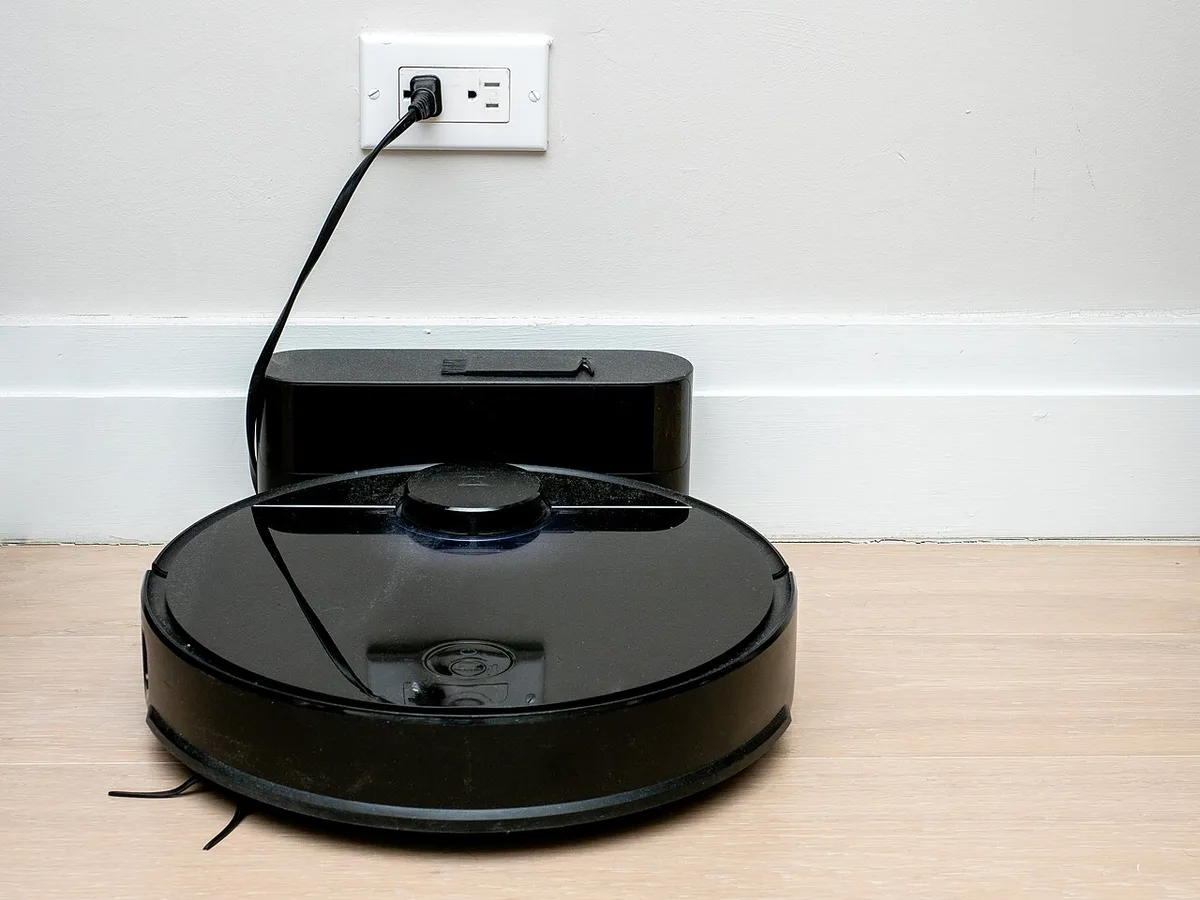
The station photograph helps explain why the device needs a usable physical location as well as a software plan. It is not evidence of wireless coverage. Keep station placement, network requirements and your intended feature use as three related records rather than assuming that solving one automatically resolves the others.
Read account and household access information
Consider who will operate the robot and whether each person needs an app, account or invited access. Read the relevant privacy and sharing information before uploading a home map or granting permissions. Keep optional convenience permissions separate from requirements documented for setup. Avoid claiming that all robot apps collect the same information or offer the same controls; these are details to establish for the specific service.
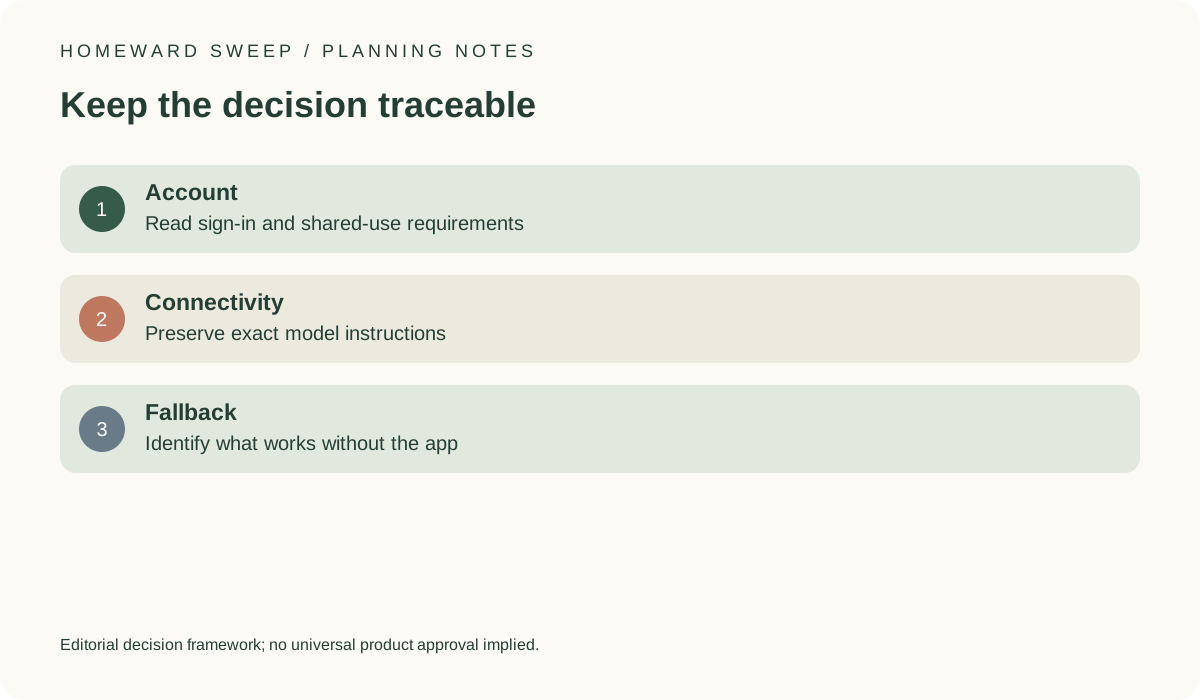
For a simple household review, use 3 steps: identify the model, identify the required app, and compare its documented requirements with your phone and network. Write down unresolved points instead of treating an app-store search result as a compatibility test. A download button alone does not verify that the entire feature set is available for your device.
Budget for the complete setup decision
An illustrative comparison might place a $300 robot beside a separate $40 network-related purchase you believe necessary, giving $340 before any additional charges. Those are invented amounts, not current prices or a recommendation to buy network hardware. Do not spend on an assumed fix until the exact requirements and your existing network have been checked. A compatibility question should not automatically become another purchase.
Save the requirements link and checked date with the order record. Revisit the support information if your phone or network changes. The useful final result is a clear statement of which connected functions you expect to use and why the documented setup fits, with uncertainty preserved where it remains.